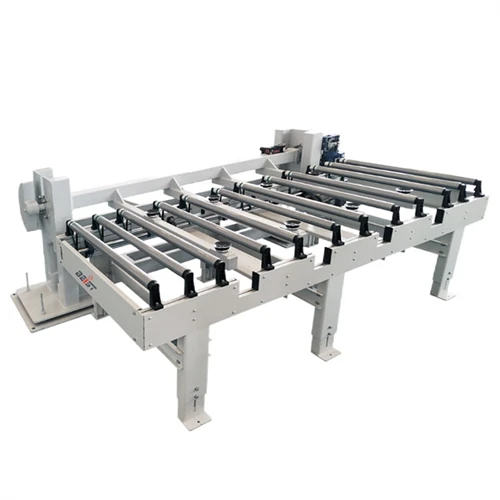
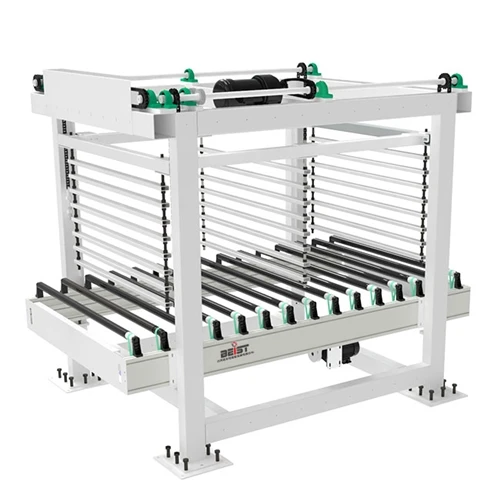
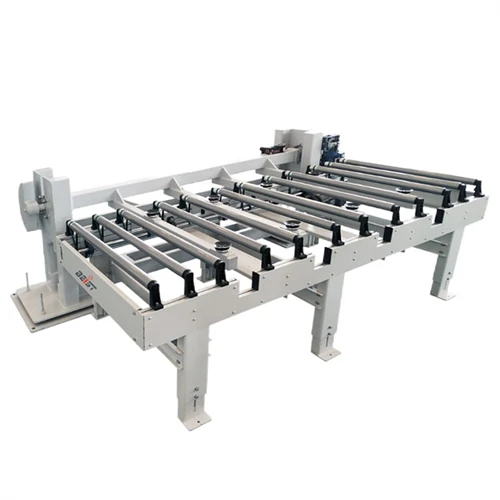
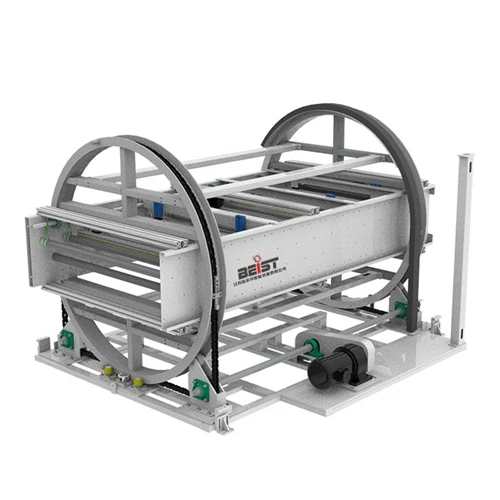
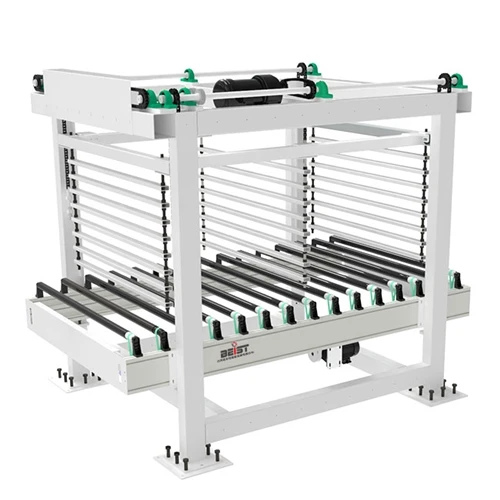
Hey there! As a supplier of Air Flotation Table Conveyors, I've seen my fair share of common problems that users run into. In this blog, I'm gonna walk you through how to troubleshoot these issues, so you can keep your conveyor running smoothly.


Problem 1: Uneven Air Flow
One of the most common problems with an Air Flotation Table Conveyor is uneven air flow. This can cause items on the conveyor to move erratically or even get stuck. There are a few reasons why this might happen.
Possible Causes
- Clogged Air Vents: Over time, dust and debris can accumulate in the air vents, blocking the flow of air.
- Damaged Air Blowers: If the air blowers are not working properly, they may not be able to provide enough air pressure to keep the items moving smoothly.
- Incorrect Air Settings: Sometimes, the air settings on the conveyor may be set too low or too high, causing uneven air flow.
Troubleshooting Steps
- Check the Air Vents: Start by inspecting the air vents for any signs of blockage. Use a compressed air gun or a small brush to clean out any dust or debris.
- Test the Air Blowers: If the air vents are clear, but you're still experiencing uneven air flow, it's time to check the air blowers. Make sure they are running properly and that there are no loose connections or damaged parts.
- Adjust the Air Settings: If the air blowers are working fine, but the air flow is still uneven, try adjusting the air settings on the conveyor. Refer to the user manual for instructions on how to do this.
Problem 2: Belt Slippage
Another common problem with Air Flotation Table Conveyors is belt slippage. This can cause the conveyor to stop working or to move items at an inconsistent speed.
Possible Causes
- Loose Belt: If the belt is not properly tensioned, it may slip on the pulleys.
- Worn Belt: Over time, the belt may wear out, causing it to slip.
- Dirty Belt or Pulleys: If the belt or pulleys are dirty, they may not have enough friction to keep the belt from slipping.
Troubleshooting Steps
- Check the Belt Tension: Start by inspecting the belt tension. If the belt is too loose, adjust the tension using the tensioning mechanism on the conveyor.
- Inspect the Belt for Wear: If the belt is worn, it will need to be replaced. Refer to the user manual for instructions on how to do this.
- Clean the Belt and Pulleys: If the belt or pulleys are dirty, use a clean cloth or a mild detergent to clean them. Make sure they are completely dry before restarting the conveyor.
Problem 3: Noise and Vibration
Excessive noise and vibration can be a sign of a problem with your Air Flotation Table Conveyor. This can be not only annoying but also indicate potential damage to the conveyor.
Possible Causes
- Loose Parts: If any of the parts on the conveyor are loose, they may vibrate and make noise.
- Misaligned Pulleys or Rollers: If the pulleys or rollers are not properly aligned, they can cause the conveyor to vibrate and make noise.
- Worn Bearings: Over time, the bearings on the conveyor may wear out, causing noise and vibration.
Troubleshooting Steps
- Tighten Loose Parts: Start by inspecting the conveyor for any loose parts. Use a wrench or a screwdriver to tighten any loose bolts or nuts.
- Check the Alignment of Pulleys and Rollers: If the pulleys or rollers are misaligned, they will need to be realigned. Refer to the user manual for instructions on how to do this.
- Replace Worn Bearings: If the bearings are worn, they will need to be replaced. This is a more complex repair, so it's recommended to contact a professional technician.
Problem 4: Electrical Issues
Electrical issues can also cause problems with your Air Flotation Table Conveyor. This can include issues with the motor, the control panel, or the wiring.
Possible Causes
- Blown Fuses: If a fuse blows, it can cause the conveyor to stop working.
- Loose Electrical Connections: If the electrical connections are loose, they can cause the conveyor to malfunction.
- Faulty Motor or Control Panel: If the motor or the control panel is faulty, it may need to be repaired or replaced.
Troubleshooting Steps
- Check the Fuses: Start by checking the fuses on the conveyor. If a fuse is blown, replace it with a new one of the same rating.
- Inspect the Electrical Connections: If the fuses are okay, but the conveyor is still not working, inspect the electrical connections for any signs of looseness or damage. Tighten any loose connections and replace any damaged wiring.
- Test the Motor and Control Panel: If the electrical connections are okay, but the conveyor is still not working, it's time to test the motor and the control panel. Use a multimeter to check for continuity and voltage. If you're not comfortable doing this, it's recommended to contact a professional technician.
Other Conveyor Options
If you're having persistent problems with your Air Flotation Table Conveyor or if you're looking for other conveyor options, we also offer a range of other conveyors, such as the Gravity Skate Wheel Conveyor, Conveyor Crossover Bridge, and Pneumatic Roller Conveyor. These conveyors are designed to meet different needs and can be a great alternative if the Air Flotation Table Conveyor isn't working for you.
Conclusion
Troubleshooting common problems with an Air Flotation Table Conveyor doesn't have to be a headache. By following the steps outlined in this blog, you can quickly identify and fix most issues. If you're still having problems or if you're not comfortable doing the repairs yourself, don't hesitate to contact us. We're here to help you keep your conveyor running smoothly. Whether you need a replacement part, a repair service, or a new conveyor, we've got you covered. So, if you're in the market for a conveyor or need assistance with your existing one, feel free to reach out and start a procurement discussion.
References
- Manufacturer's User Manual for Air Flotation Table Conveyor
- Industry Best Practices for Conveyor Maintenance and Troubleshooting